Import and review
Open construction and fire alarm PDF plans directly on your device.
 FIRE ALARMFIELD PROGet the app
Review PDF drawings on iPhone and iPad. Place devices and addresses, add clear field notes, and export your marked-up plan.
Download on the App Store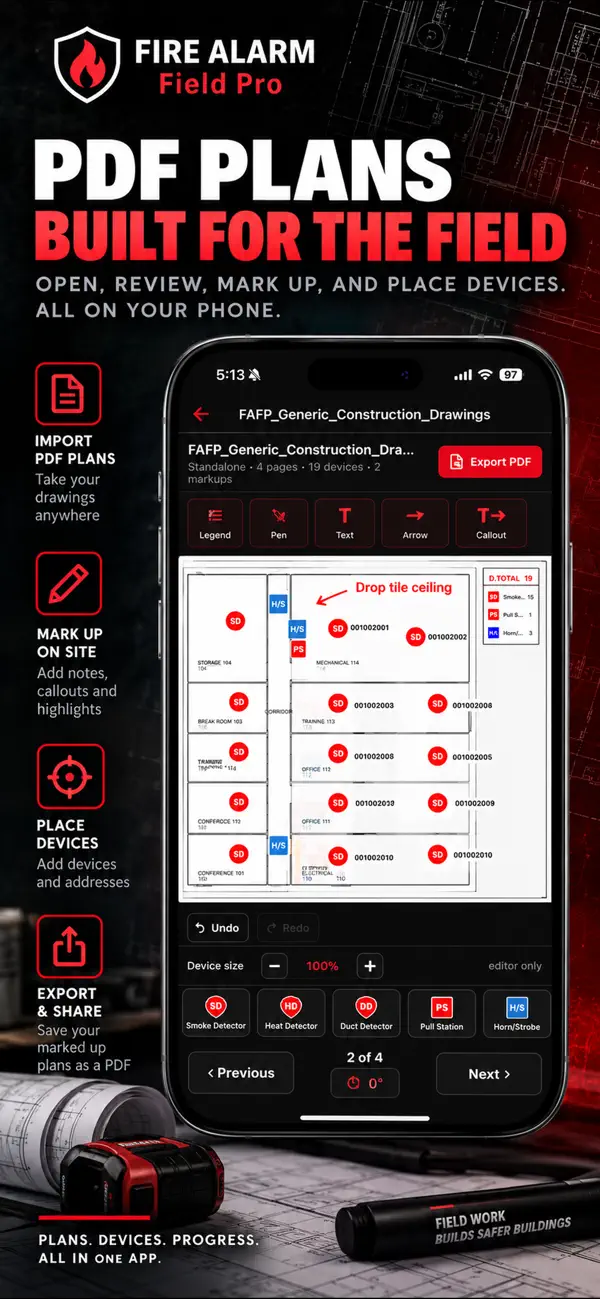
Open construction and fire alarm PDF plans directly on your device.
Add devices, addresses, text, arrows, and callouts. See device counts in a built-in legend.
Share a marked-up PDF with the people working from the drawing.
Calculate, review PDF plans, organize project notes, and keep studying wherever the work takes you.
Yes. The app imports PDF plans and supports device placement, addresses, text, arrows, and callouts. The PDF Plan Tool runs in the app, not in this website.
Yes. The app exports marked-up plans as PDFs for sharing. Review the exported drawing before using it for coordination or project records.
The Free tier includes one PDF plan markup. Review the Free and Pro comparison for the other allowances and subscription options.